The 13 QR code types and when to use each one
A QR code is only as useful as what happens after the scan. Mirror QR offers 13 ready-made types, and each one is encoded in the exact format phone cameras understand, so the right app opens with the right details already filled in. Here is what every type does, what you need to fill in, and the best situations for it.
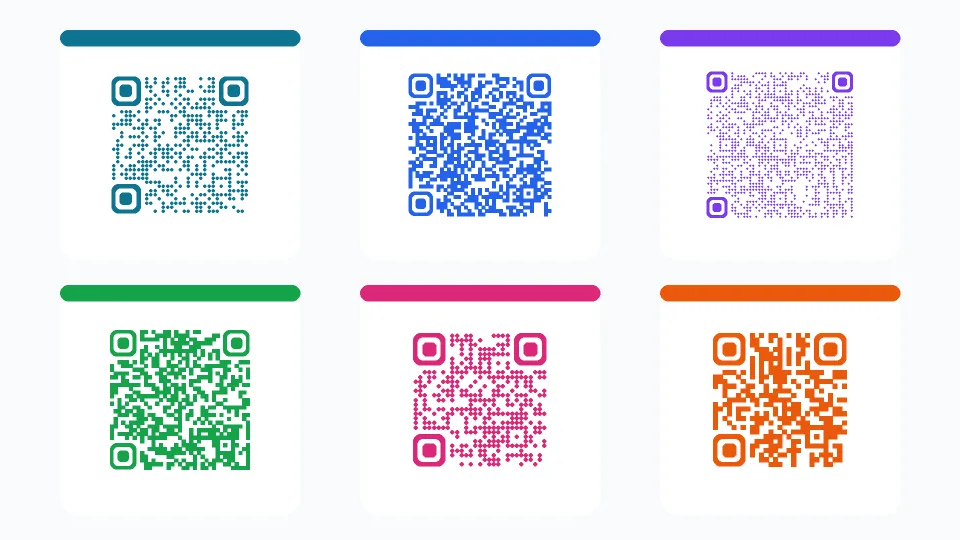
Link and Text
Link is the most popular type: scanning opens a website, online shop, menu, form, video or app-store page. Paste the full URL with https://. Keep links short where you can — shorter content makes a simpler, easier-to-scan code.
Text shows a short message on the screen right after scanning, without needing internet. Use it for a welcome note, serial numbers, instructions or a hidden message in a game or a treasure hunt.
Email, Phone and SMS
Email opens a new email with the address, subject and body already written — perfect for support requests, feedback or bookings. The person only has to press send.
Phone starts a call to your number with one tap. Put it on shop windows, delivery vehicles and flyers.
SMS opens a text message to your number with a prepared message, for example a keyword to join a list or confirm an appointment. Use the international number format so it works for every visitor.
WhatsApp and Zoom
WhatsApp opens a chat with your number, with the first message already typed (for example: "Hi, I'd like to order…"). Enter the number with its country code; spaces and symbols are removed automatically. It is ideal for sales, customer service and bookings on packaging, receipts and social posts.
Zoom takes people straight into a Zoom meeting from its link. Print it on webinar invitations, event slides or classroom notices so nobody has to type a meeting ID.
vCard (contact card)
vCard saves your contact details straight into the phone's address book: first and last name, company, job title, phone, email and website. One scan replaces typing a business card by hand.
Use it on business cards, name badges, email signatures, conference stands and the back of brochures. Only fill in the fields you really need — each extra field makes the code denser.
Wi-Fi
Wi-Fi connects guests to your network without typing the password. Enter the network name (SSID) exactly as it appears, the password, the encryption type (WPA/WPA2 for almost every modern router, WEP for very old ones, or no password for open networks) and tick Hidden network if your SSID is not broadcast.
Modern iPhone and Android cameras recognise Wi-Fi codes natively. Display it in cafés, hotel rooms, offices, rental apartments and waiting rooms. If you change the router password, make a new code.
Location and Event
Location drops a pin from latitude and longitude, so people can open the spot in their maps app and get directions. You can copy the coordinates from any map service. Tip: if most of your visitors use iPhones, a Link code with a Google Maps or Apple Maps URL can be the more reliable option.
Event adds an entry to the calendar with title, place, start and end time. Use it on posters, invitations and tickets so the date is never forgotten.
PayPal and Bitcoin
PayPal creates a PayPal.me link to your account, optionally with a fixed amount and currency (USD, EUR, GBP or EGP). Enter your PayPal.me username. It suits tips, donations, market stalls and invoices.
Bitcoin encodes a wallet address with an optional amount (in BTC) and a label, in the standard format wallet apps read. Always double-check the address before printing — payments cannot be reversed.
How to choose the right type
Ask yourself what the person should be able to do in one tap:
- Visit something → Link
- Contact you → WhatsApp, Phone, SMS or Email
- Remember you → vCard
- Get online → Wi-Fi
- Find you → Location
- Attend → Event or Zoom
- Pay you → PayPal or Bitcoin
- Read a message offline → Text
Frequently asked questions
Can one QR code do several things?
A static QR code holds one action. To offer several options, use a Link code that opens a page listing them (for example your link-in-bio page).
Which type is best for social media profiles?
Use a Link code with your profile URL. For WhatsApp, use the dedicated WhatsApp type so the chat opens directly.
Do Wi-Fi QR codes show the password?
The password is stored inside the code so the phone can join. Anyone who scans it can connect, so only display it where you would give the password out anyway.